Connecting an AI agent to a browser starts out smoothly: open a page, read the content, fill in a search box. What really gets you stuck are the forms hidden inside cross-origin iframes—Google Payments payout profiles, checkout components, KYC widgets. The agent can read the text inside them and fill in values, but it just can’t click that “Save” button. It can see the task, but it can’t finish it.
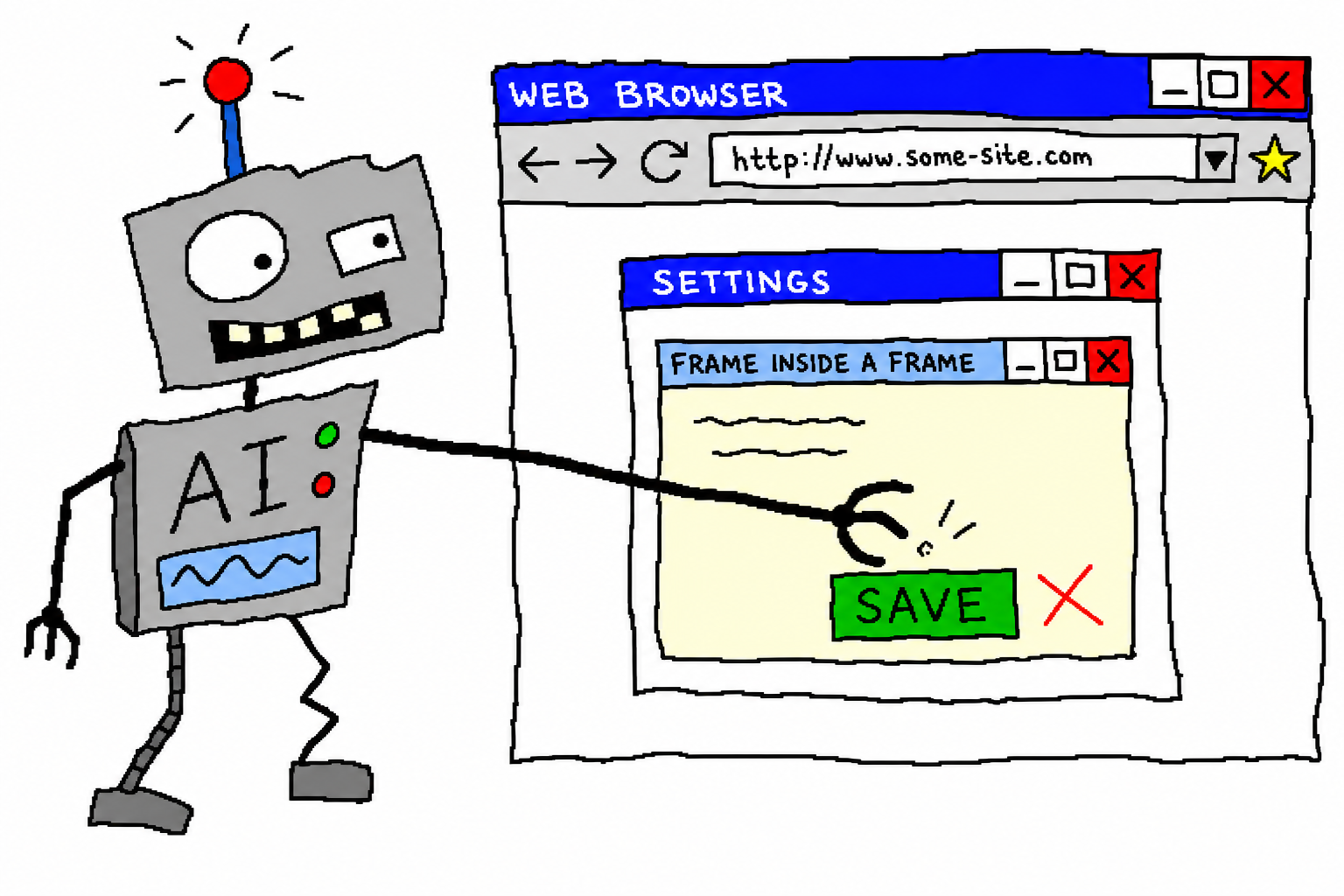
This is a write-up of how we got past that hurdle. The protagonist is chrome-use—a Rust-based browser automation CLI for agents that directly drives the Chrome browser where you are actually logged in, without Playwright and without headless mode.
Why cross-origin iframes are so hard
Regular pages are easy: capture the accessibility tree, get element references, and click. But cross-origin iframes—for example, an adsense.google.com page embedding a payments.google.com iframe—hit three problems at once:
- Selectors can’t get in. Under the same-origin policy, CSS selectors and
evalrunning in the outer document can’t touch the DOM inside the iframe.document.querySelectoris blind here. - Scrolling misses the target. You think you’re scrolling the page, but the thing that can actually scroll is the scroll container inside the iframe. Wheel events go to the outer document, while the inside stays still—the target row remains “off screen” forever, not even visible.
- You’re left blindly clicking coordinates. The first two problems force you back to “screenshot + guess pixel coordinates,” which is the least precise approach and the easiest way to click a neighboring field by mistake. On a form that edits global payment profile information, one wrong click can be costly.
The foundation of chrome-use: agents get “references,” not HTML
Before explaining the fix, it’s worth covering the basic design—because this is also the fundamental difference between chrome-use and the camp that feeds raw HTML to models.
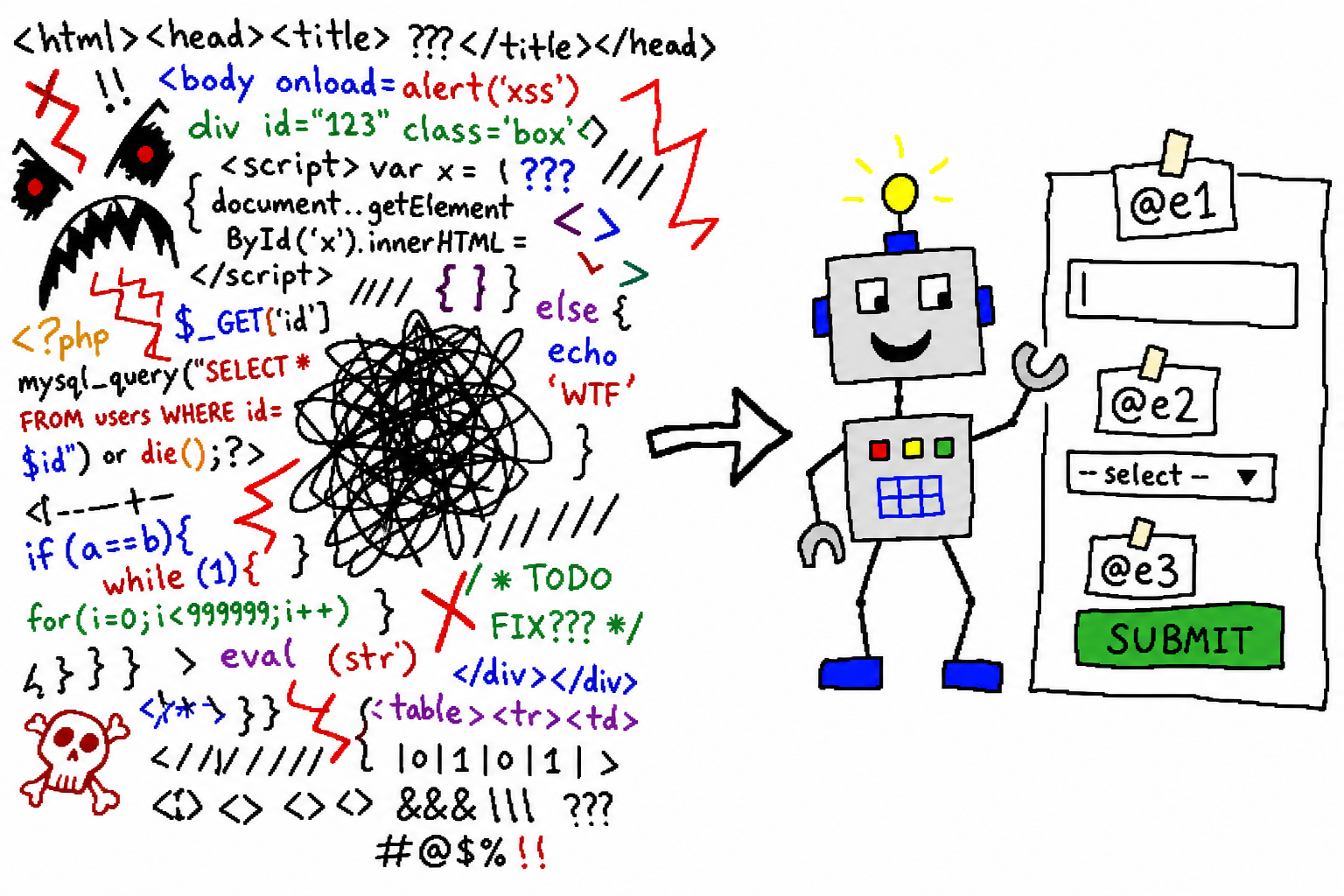
chrome-use does not hand page source to the agent. Instead, it captures an accessibility tree snapshot, assigning each interactive element a compact reference:
- textbox "Email" [ref=e2]
- listbox "Country/region" [ref=e60]
- button "Save" [ref=e41]
The agent acts directly on those references: fill @e2 "...", click @e41. A page costs roughly 200–400 tokens instead of a whole screen of DOM noise. This reference mechanism is exactly what makes it possible to work through iframes later—as long as the snapshot can “see” nodes inside the iframe, it can assign references to them.
Three hurdles, one at a time
First hurdle: make the snapshot see what’s inside the iframe.
The accessibility tree needs to pass through cross-origin iframes and include their nodes with references. After fixing that, snapshot can list them directly:
- textbox "Phone number (optional)" [ref=e59]
- listbox "Country/region code: Japan (+81)" [ref=e60]
Where selectors can’t enter, references can.
Second hurdle: make scrolling affect the iframe’s scroll container. Instead of sending every wheel event to the outer document, scroll the container that actually needs to scroll. The lower form rows can finally move into view, and their references become available.
Third hurdle, the hardest one: the enabled submit button inside the cross-origin iframe does nothing when clicked. This stage is the most maddening because everything looks right:
- The number is entered with real keystrokes, and
get valueconfirms it is there; - The “Save” button becomes enabled when it should—it is disabled before a valid value is entered, then appears after filling;
- Then
click @e41—and the form does nothing.find text "Save"? Cross-origin access blocks it. Focus and press Enter or Space? Still nothing.
It looks correct, yet everything is wrong. The root cause: Material/framework buttons inside cross-origin iframes do not accept synthetic clicks; and fill only changed the input value without dispatching the input/change events the framework expects. The form still thinks “nothing changed,” so the Save button is either disabled or clicking it is equivalent to doing nothing.
The fix has two parts: value entry switches to real keystrokes so every character triggers real events that the framework recognizes; clicking dispatches a full set of real mouse/keyboard activations against the content node inside the iframe, rather than slapping a click() onto it.
The finish: click in, save successfully
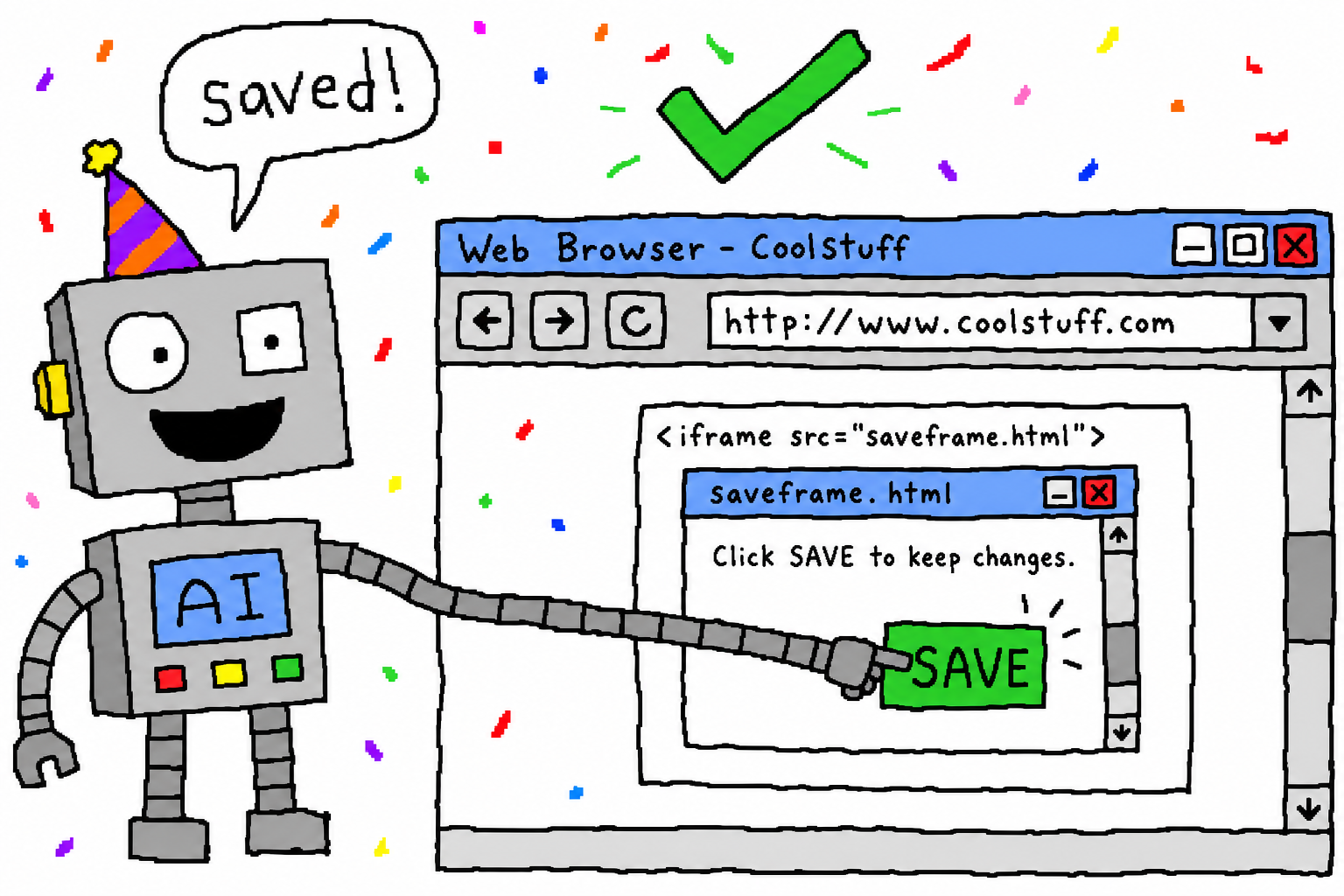
Once all three hurdles are cleared, the whole chain works: open → scroll to the target row → capture references from the snapshot → fill with real keystrokes → press Save. The deadlock of “can read it, can’t complete it” ends there.
A few hard-earned lessons for others building agent browser automation
- Prefer accessibility references; don’t default to clicking screenshot coordinates. Once the snapshot can see the iframe, references are always more stable than guessing pixels. Save screenshots for cases that truly have no structure, like canvas or WebGL.
- Cross-origin iframes are a clear boundary. Selectors and
evalstop there. Either your tool can penetrate the a11y tree, or you are left blindly clicking. - Test whether you can submit, not just whether you can fill. A value being entered does not mean the framework received it. Bugs like
fillnot dispatching events only show up when you actually try to save. - If you can use a real logged-in browser, don’t use headless. Login state, cookies, and extensions are all already there, and there is no automation fingerprint—that is also why chrome-use takes the path of “driving your own Chrome.”
Try it
curl -fsSL https://raw.githubusercontent.com/leeguooooo/chrome-use/main/install.sh | sh
The repository is at github.com/leeguooooo/chrome-use. I keep building tools like this—tools that use your own subscriptions and connect agents to real browsers/devices—and I post updates on X @leeguooooo.
Comments
Replies are public immediately and may be moderated for policy violations.